Free AV calculators and test tools — Right in your browser, no sign-up.
Quick answers for LED video, audio, lighting and display work.
Video & LED 7 tools
Calculators, display testing, LED walls
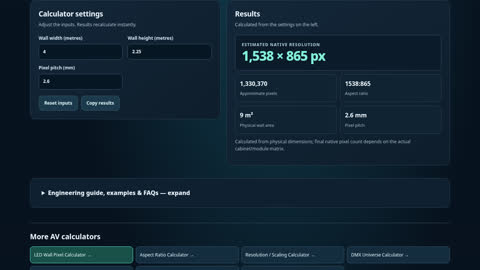
LED Wall Pixel Calculator
Estimate native resolution and area from physical wall size and pixel pitch.
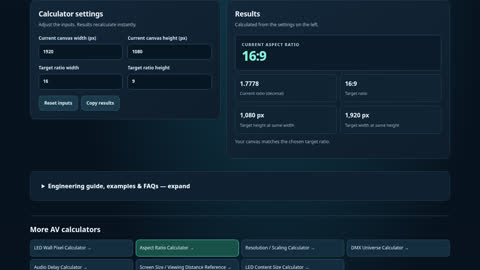
Aspect Ratio Calculator
Match canvas proportions without stretching media.
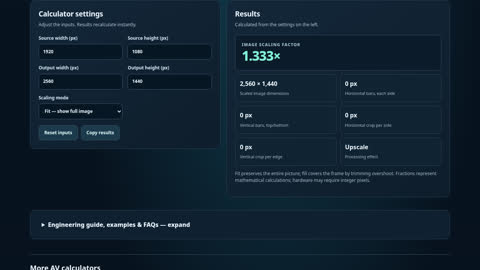
Resolution / Scaling Calculator
Fit, fill, crop and letterbox when mapping a video source to a display.
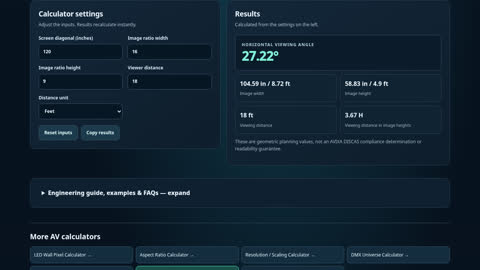
Screen Size / Viewing Distance
Image width, viewing angle and image heights.
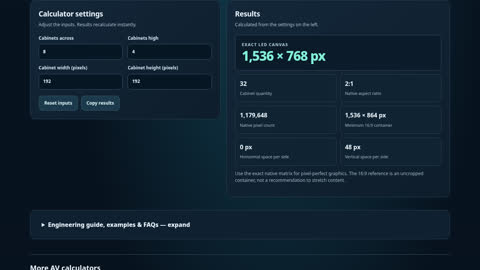
LED Content Size Calculator
Exact pixel-perfect content template from cabinet columns and rows.
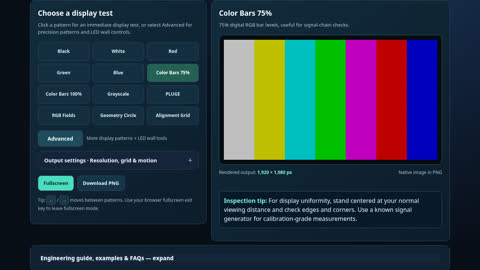
Display Diagnostic Suite
Test patterns for projectors, monitors and LED walls.
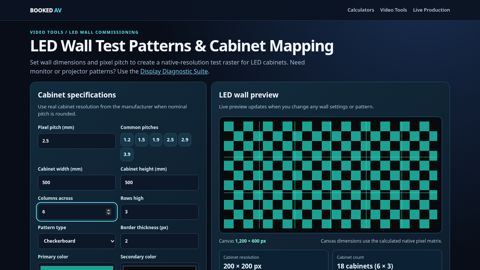
LED Wall Test Patterns & Cabinet Mapping
Cabinet grids, numbers and native-resolution PNG patterns.
Audio 3 tools
Alignment, signal testing, analysis & show audio
Lighting 1 tool
Fixture addressing & DMX control
Production & Crew 6 tools
Run of show, cueing, comms & staffing
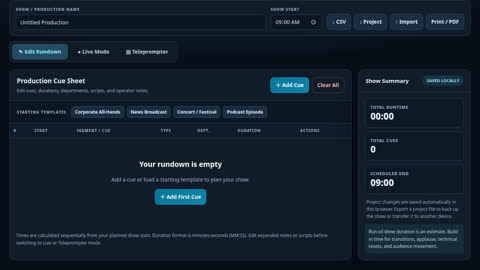
Show Rundown Creator
Build timed run-of-show segments and export them.
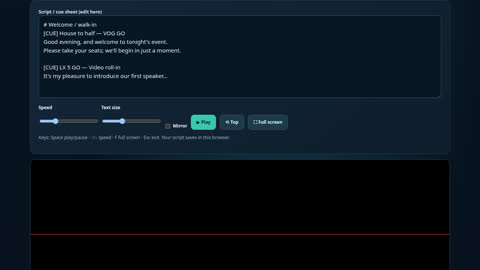
Production Cue Sheet & Teleprompter
Paste a script, then scroll it full screen for talent.
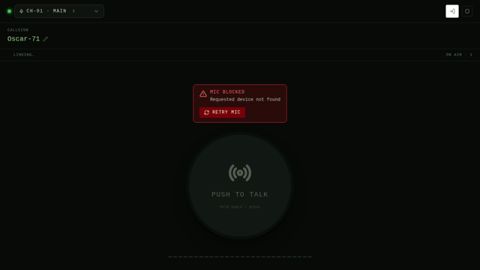
Live Production Communication & Multiview
Free browser-based voice, chat, multi-user communication, and simultaneous video-stream monitoring for professional AV and event production teams.
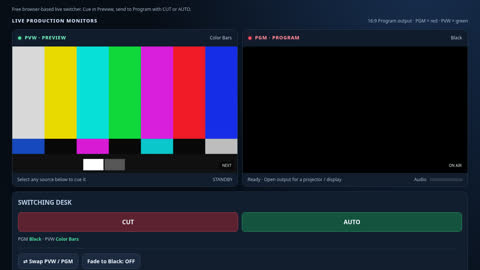
Online Video Switcher
Preview/program switching with CUT and AUTO.
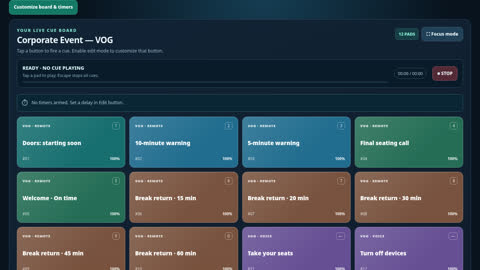
Online Soundboard & VOG Cue Pads
Voice-of-God announcements, walk-ins and cue timers.
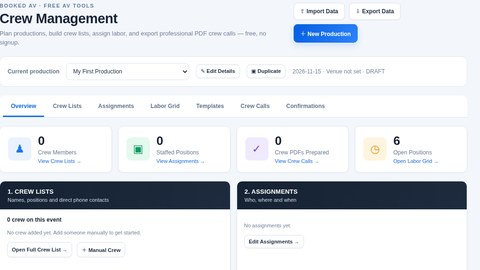
Crew Management
Built for project managers — create job flows and post direct to the job board.
• Labor grid & budgets
• Master schedule & call sheet PDFs
• Batch-post open roles
About these free AV calculators and test tools
Booked AV's free AV calculators and test tools are built for audio-visual professionals working live events, concerts, broadcast, corporate AV, houses of worship and permanent installations. Size an LED wall and its exact content canvas, set speaker delay times for fill and delay towers, plan DMX universes, check scaling and aspect ratios, or confirm screen size against audience viewing distance — in seconds, on any device.
Each tool uses the same terms and units found on spec sheets, so A1 and A2 audio engineers, V1 and LED techs, lighting programmers, projectionists, show callers and integrators can send results straight to a producer, rental house or crew chief.
Runs in your browser — private and fast
All calculations happen locally in your browser. Nothing you enter is sent to a server, there is no account and no download. Once a page loads it keeps working on weak venue Wi-Fi. Bookmark the tools you use most for quick access during advance work, system design or load-in.
Video and LED tools
The LED Wall Pixel Calculator turns wall size and pixel pitch into native resolution. The LED Content Size Calculator gives the exact playback canvas from cabinet rows and columns. The Aspect Ratio and Resolution / Scaling calculators show fit, fill, crop and letterbox results, and the Display Diagnostic Suite provides color bars, grayscale, convergence and uniformity patterns for projectors, monitors and LED walls. The Online Video Switcher lets you practice preview/program switching with CUT and AUTO.
Audio tools
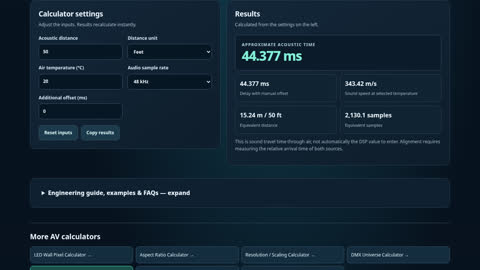
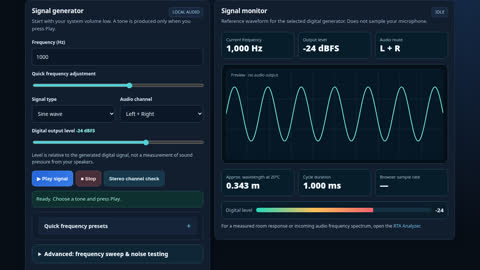
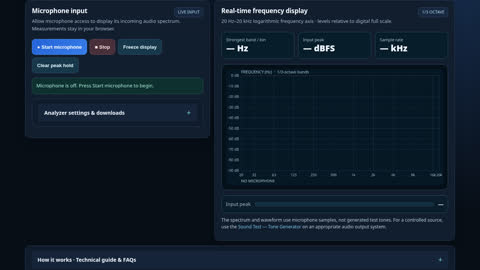
The Audio Delay Calculator converts distance into milliseconds and samples for time alignment. The Sound Test Tone Generator plays sine waves, pink noise and sweeps for channel checks, and the RTA Analyzer shows a live microphone spectrum for room and system tuning.
Lighting and show-calling tools
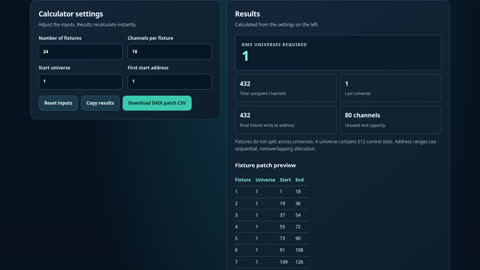
The DMX Universe Calculator handles fixture addressing and patch planning. For running the show, use the Show Rundown Creator, the Production Cue Sheet / Teleprompter, and the Online Soundboard with VOG cue pads.
Common questions
Are these AV tools free? Yes, every calculator and live-production tool is free with no sign-up.
Do they work on a phone or tablet? Yes — use them at the stage, in the truck or at front of house.
Is my data saved? Inputs stay on your device. The soundboard, rundown and teleprompter save your work in your own browser.